PLAY · ANALYZE · IMPROVE
Matches
+ Add match
Completed
No saved matches yet.
Match setup
1ST HALF → 2ND HALF → ET 1 → ET 2 → 7 M
Match mode
HOME
0
30:00
AWAY
0
Quick Stats
HOME
0
30:00
1st half
AWAY
0ADVERTISEMENT / CLUB SPONSOR
Shot Analysis
1. Tap where the player shot from
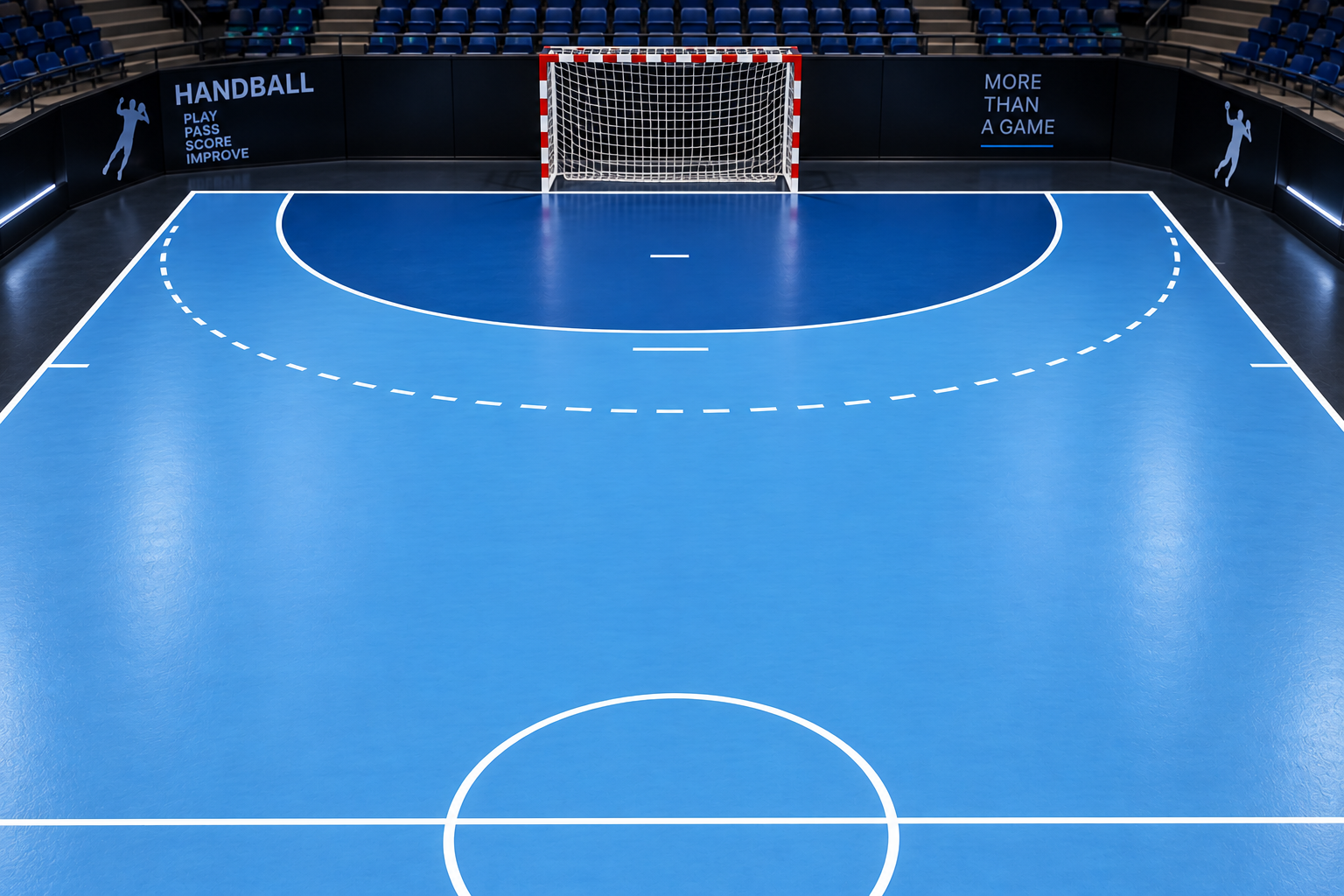
Shot origin
Goal
Save
Post
Miss
Block
Tip: tap the selected shot-origin point again to cancel it and choose a new position before saving. Use Edit last shot to correct the most recently saved shot for the selected player.
ADVERTISEMENT / CLUB SPONSOR
Line-up & Substitutions
Court
Bench
Quick swap: tap a court player, then a bench player. Multi swap lets you select several OUT and IN players before applying.
ADVERTISEMENT / CLUB SPONSOR
7 m Shootout
HOME0
AWAY0
Match Control Hub
HOME
0
30:00
1st half
Tap time to Start / Pause
AWAY
0
HOME
AWAY
ADVERTISEMENT / CLUB SPONSOR
Match Report
Score progression
Goal Timeline
● Goal HOME● Goal AWAY● Turnover
Edit match time
Complete Match Statistics
Help & Guide
Team Library
Enter Finished Match
A finished match can be saved with result only. Detailed player data can be added later.
Detailed Match Timeline
Settings
General
When enabled, tutorials can be offered the first time a major feature is opened.
Data & Backup
Matches are saved automatically on this device. Backup creates an extra copy you can store elsewhere.